What Website Monitoring Platform Features Suit Beginners Best?
Visual Sentinel checks uptime, performance, SSL, DNS, visual regression, and content changes (content from Starter). Uptime checks run every 5 minutes on Solo and Starter, and every minute on Business and Agency. Configure supported email or Slack notifications.
Visual Sentinel provides visual and content layers alongside HTTP and keyword checks. UptimeRobot (free tier) limits users to 50 monitors at 5-minute intervals, with up to 3 confirmation tries before a monitor goes down. Visual Sentinel supports multi-site monitoring from Europe and the US. Uptime Monitoring details baseline HTTP setup for new users. Visual Sentinel vs UptimeRobot outlines full differences in layers and alerts.
Pingdom (SolarWinds, from $16.50/month billed annually or $18 monthly) offers 10 uptime checks but omits visual regression. Beginners detect UI shifts and text edits with Visual Sentinel's added layers. Say a small shop makes $500 an hour. An hour offline is that hour's sales.
How Do Beginners Create an Account on a Website Monitoring Platform?
Sign up on Visual Sentinel by visiting visualsentinel.com. Users enter email and password during signup. Users verify via email link. New users see their site's first check with no card, then start a 7-day trial (card required) or subscribe, from $15/month. There is no free plan.
Account creation enables access to the monitoring dashboard. Review team settings for your plan.
Zabbix (open-source) requires server installation for setup. Account creation in Visual Sentinel uses an email, a password and a verification link.
How Do I Add a Website URL to My Monitoring Setup?
In the Visual Sentinel monitor list, choose Add monitor. Enter the website address, review the settings, and choose Start watching. Entering the website address runs a first check from Europe. Start watching saves the monitor and begins its configured checks. Enable DNS changes to monitor DNS records on a schedule. Checks run from Europe and the US.
Users add URLs for small business sites or development environments. Website Checker provides a separate on-demand availability check.
Paessler PRTG (free for 100 sensors) supports auto-discovery. Beginners track 3-5 sites initially to avoid overload.
Which Check Types Should Beginners Enable for Website Monitoring?
Beginners enable uptime with HTTP checks every 5 minutes on Visual Sentinel. Beginners enable SSL. Expiry reminders default to 13, 3, and 1 days before expiry. Beginners enable DNS records, performance for load times, visual regression for UI changes, and content detection for text updates. Together these checks catch issues early. Content detection starts on Starter.
Users start with HTTP and keyword checks for core functionality. SSL and DNS checks identify certificate and resolution issues. Visual regression compares screenshots for layout changes. Content monitoring checks expected text. SSL Monitoring explains certificate checks. DNS Monitoring explains record verification.
Pingdom (SolarWinds) monitors DNS (it has no database check type) and includes 10 uptime checks in its entry tier at $16.50/month billed annually ($18 monthly). Zabbix runs web scenarios for performance. Beginners enable 3 layers first, expanding to 6 over 7 days.
What Check Frequency Settings Work for Beginner Website Monitoring?
Uptime checks in Visual Sentinel run every 5 minutes on Solo and Starter, and every minute on Business and Agency. Visual checks run every 30 minutes on Solo and every 15 minutes on higher plans. Review supported schedules and notification settings for the enabled checks.
UptimeRobot (free tier) limits HTTP to 5 minutes, with up to 3 confirmation tries. Visual Sentinel checks every 5 minutes on Solo and Starter, and every minute on Business and Agency. Users review settings monthly to optimize for traffic patterns. Performance Monitoring explains request timing on each uptime cycle and daily mobile Lighthouse lab runs on paid monitors.
Datadog (Infrastructure Pro at $15/host/month billed annually) has unlimited alerts, so you can set thresholds on metrics such as page load time. Beginners adjust frequencies after 30 days of data.
How Do I Configure Alerts for Website Monitoring Issues?
In Visual Sentinel, configure supported notification channels. Channels include email, Slack, Discord, Microsoft Teams, Telegram and mobile push. Test the configuration before relying on it during an incident.
Review recovery notifications alongside downtime alerts. Test the configured channels. Visual Monitoring shows alert examples on UI changes.
UptimeRobot sends email and Slack alerts after up to 3 confirmation tries. Paessler PRTG triggers on SQL query thresholds in real-time. Beginners configure 4 alert types initially.
Why Use Global Locations for Website Monitoring Check Points?
Checks on Visual Sentinel run from Europe and the US. System checks response times and uptime from multiple vantage points. This approach detects location-specific issues like DNS propagation delays. A second location is how you see a regional problem your own network will not show.
Multi-location checks help investigate regional availability differences. Paessler PRTG (free for up to 100 sensors) can monitor from remote probes you place, and its Cloud HTTP v2 sensor checks from five PRTG Cloud locations. Visual Sentinel checks run from Europe and the US. Speed Test provides a separate performance check.
Pingdom (SolarWinds) checks from over 100 locations at $16.50/month on annual billing ($18 monthly) for 10 monitors. Beginners monitor 2 continents first.
How Does Visual Sentinel Compare to Other Website Monitoring Tools?
Visual Sentinel checks uptime, page speed, SSL, DNS, and screenshots, plus content from Starter. Slack alerts are included on paid plans. Starter is $30/month for 15 monitors. See pricing.
| Entity | Checks Limit (Basic/Free) | Check Interval | Supported Checks | Alert Delay |
|---|---|---|---|---|
| Visual Sentinel | 10 / 15 / 60 / 300 by plan | 5 minutes (Solo, Starter); 1 minute (Business, Agency) | Uptime, SSL, DNS, performance, visual, content | after failed checks |
| UptimeRobot (free tier) | 50 monitors | 5 minutes (HTTP) | HTTP, keyword, health endpoint | up to 3 confirmation tries |
| Pingdom (SolarWinds, from $16.50/month annual or $18 monthly) | 10 monitors | 1 minute | HTTP, DNS, TCP, UDP, ping, email | Immediate on threshold |
| Paessler PRTG (free for 100 sensors) | 100 sensors | Custom (1-60 minutes) | CPU load, page load, DNS, SQL | Threshold-based |
| Zabbix (open-source) | No per-monitor licence cap | Configurable per web scenario | Web performance, response time | Configured trigger expression |
UptimeRobot confirms a failure with up to 3 tries before marking a monitor down, and its uptime plans have no visual layer (it offers a separate free page-change tool). Pingdom monitors DNS (but has no database check) and includes 10 uptime checks in its entry tier. Visual Sentinel vs Pingdom breaks down pricing and features. Beginners can compare which of these checks each tool includes.
How Do I Build a Dashboard for Website Monitoring Metrics?
Review the Visual Sentinel dashboard for monitoring results. Check uptime, response time, incident history and SSL status alongside the enabled monitoring layers.
Review uptime and response-time trends. Paessler PRTG provides monitoring data for SLA reporting. Review Content Monitoring results alongside the other checks.
Grafana Cloud (free tier for 10,000 metrics) visualizes incidents in real-time.
How Can Beginners Test Their Website Monitoring Configuration?
Test the Visual Sentinel setup using a test site. Verify configured notifications and review check results. Adjust settings if expected alerts do not arrive.
Use a test site to check certificate failures and visual changes. Document expected notifications and verify their delivery. Website Checker provides a separate availability check.
Better Stack (Responder plan at $34/month, or $29 billed annually) tests health endpoints.
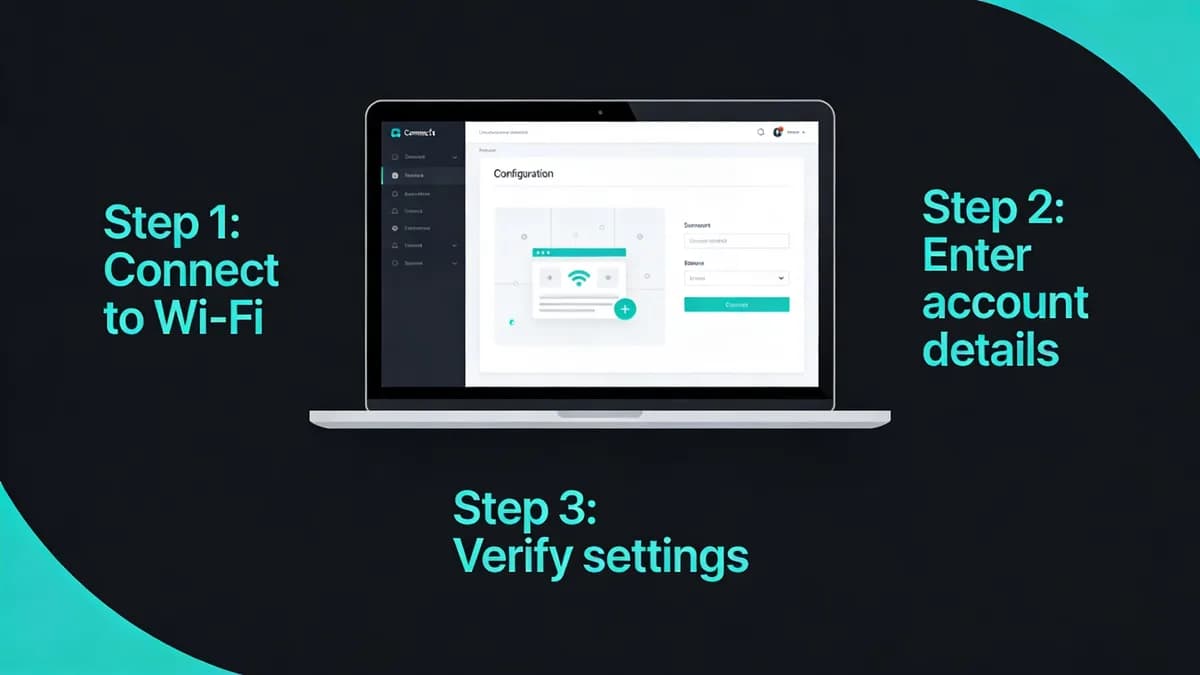
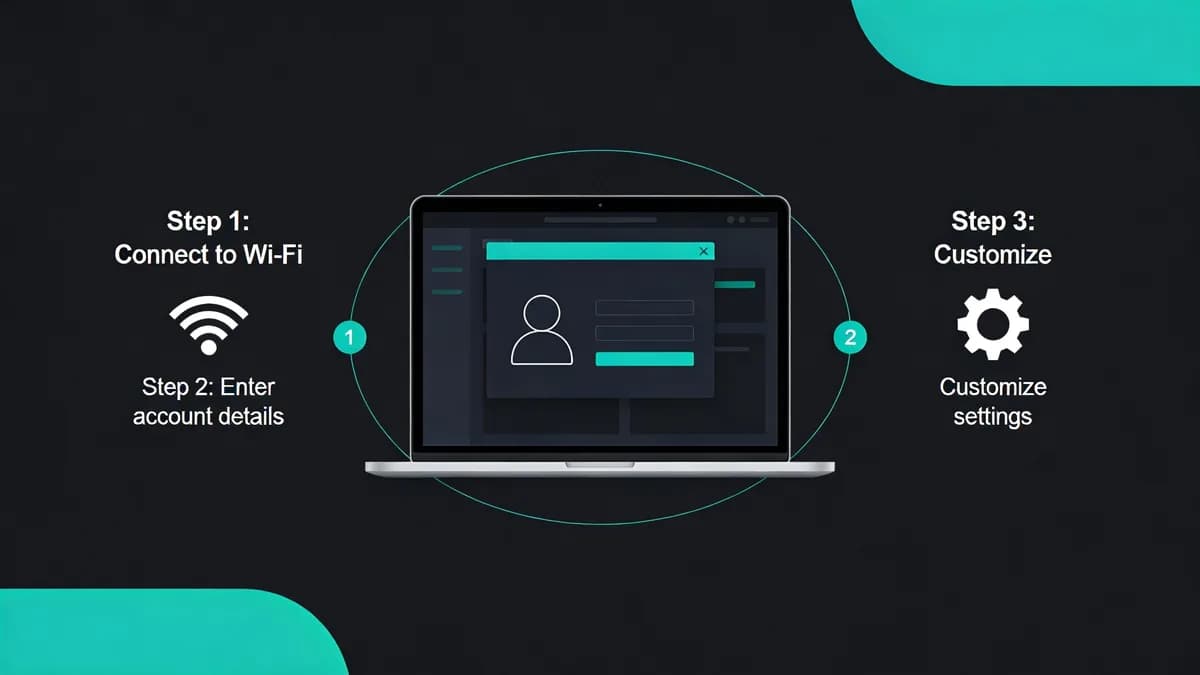
Follow these 7 steps to set up website monitoring effectively: create account, add URL, select checks, choose frequencies, configure alerts, pick locations, and review the dashboard. Test monthly. Review the setup once a month and adjust the checks that cried wolf.
To keep an eye on your own site, see how Visual Sentinel checks a whole website, including pages that load but look broken.
Check your site while you read
Run a free check for regional reachability, response time, redirect handling, TLS evidence, and DNS resolution. No account is required.
Check a site freeCommon questions
What Website Monitoring Platform Features Suit Beginners Best?
Visual Sentinel provides uptime, performance, SSL, DNS, visual and content monitoring. Uptime checks run every 5 minutes on Solo and Starter, and every minute on Business and Agency. Configure supported notifications such as email or Slack.
How Do Beginners Create an Account on a Website Monitoring Platform?
Sign up on Visual Sentinel by visiting visualsentinel.com, entering email and password, and verifying via email link. New users see their site's first check with no card, then start a 7-day trial (card required) or subscribe, from $15/month.
How Do I Add a Website URL to My Monitoring Setup?
In Visual Sentinel, choose Add monitor, enter the website address, review what it watches, and choose Start watching. Checks run from Europe and the US.
Which Check Types Should Beginners Enable for Website Monitoring?
Beginners should enable uptime (HTTP checks every 5 minutes on Solo and Starter), SSL (reminders at 13, 3, and 1 days before expiry), DNS records, performance (load times) and visual regression for UI changes. Content monitoring, with keyword rules, starts on Starter.
What Check Frequency Settings Work for Beginner Website Monitoring?
Uptime checks run every 5 minutes on Solo and Starter, and every minute on Business and Agency. Visual checks run every 30 minutes on Solo and every 15 minutes on higher plans. Review supported schedules and notifications for the enabled checks.
How Do I Configure Alerts for Website Monitoring Issues?
Configure supported notifications in Visual Sentinel and test their delivery. Channels include email, Slack, Discord, Microsoft Teams, Telegram and mobile push.