What Is GitHub Availability and How Does It Impact DevOps Workflows?
GitHub availability refers to the platform's uptime for services like repositories and APIs. GitHub availability directly affects CI/CD pipelines by causing build delays during outages. GitHub publishes its past incidents in the monthly GitHub Availability Report, and live status at githubstatus.com. Teams add Uptime Monitoring on top, so a failed check reaches the on-call person without anyone watching a status page.
Outages can interrupt continuous integration when repositories become inaccessible. Monitoring helps teams identify failed checks and investigate release delays.
How Do GitHub API Endpoints Reveal Platform Status in Real Time?
Three public sources tell you whether GitHub is up: the GitHub Status API, GET https://api.github.com/meta and GET https://api.github.com/rate_limit.
- GitHub Status API.
https://www.githubstatus.com/api/v2/status.jsonreturns an overallindicatorofnone,minor,majororcritical.summary.jsonadds each component and open incidents,components.jsonlists every component with its state, andincidents.jsonreturns the 50 most recent incidents. You can also subscribe by email, Slack, webhook, Atom or RSS. See githubstatus.com/api. /meta. Returns GitHub's IP address ranges (for hooks, web, api, git, packages, pages, actions and more), SSH key fingerprints and domain names (docs). It is a cheap, stable JSON response, which makes it a good target for an uptime and response-time check ofapi.github.com./rate_limit. Returns your remaining REST API quota. Calling it does not count against your rate limit, and without a token it reports the limit for your IP address (docs).
Poll these on a schedule, treat a 5xx response such as 502 as a failure, and compare failures with the status feed before you blame your own pipeline.
What Metrics Should You Track for Effective GitHub Uptime Monitoring?
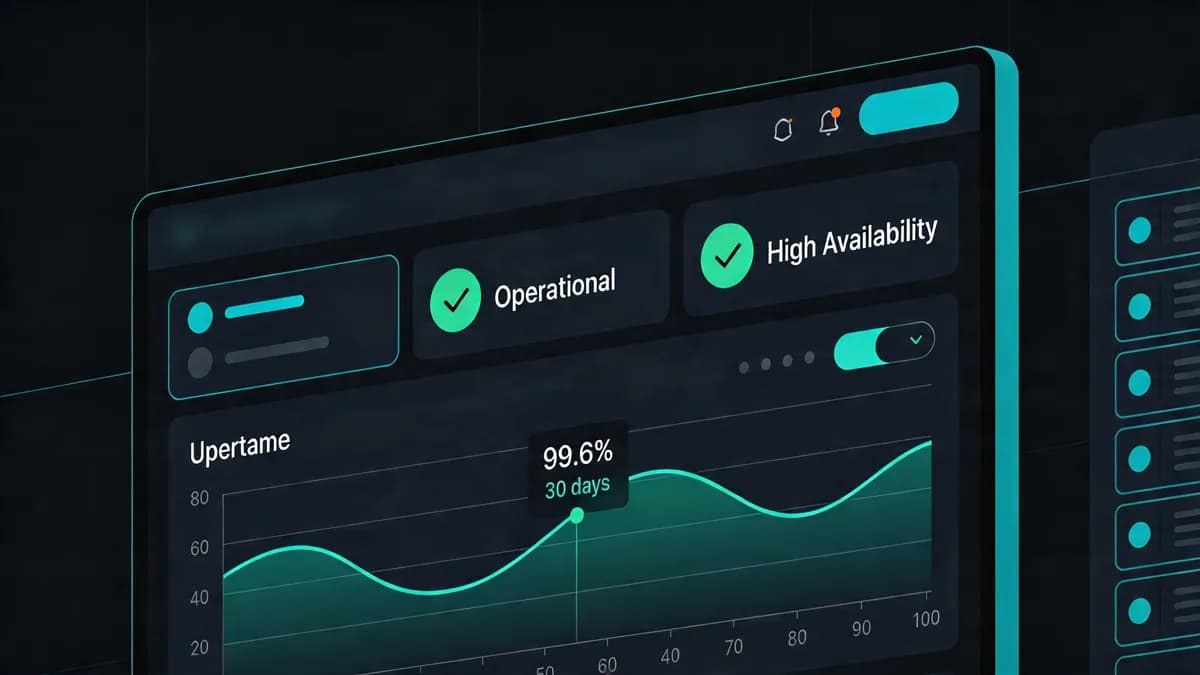
Key metrics include status code, response time, TLS validity and the githubstatus.com indicator. Monitoring tools can record checks every 5 minutes. Tools flag issues like 5xx errors from GitHub's servers. Uptime calculates as (total minutes - downtime)/total minutes x 100. Developers review DNS records via DNS Checker. SSL validity affects API calls. Teams use SSL Checker to review certificate expiry.
How Can You Set Up GitHub API Monitoring with Integrated Tools?
Configure tools to check the GitHub Status feed and GitHub's meta API endpoint every 5 minutes, with a response-time threshold such as 300ms. Send alerts to Slack or a webhook. Review website performance with Performance Monitoring.
Selecting Endpoints
https://www.githubstatus.com/api/v2/status.jsonfor GitHub's own view of an incident.https://api.github.com/metafor response time and status code of the API host.https://api.github.com/rate_limitif your CI calls the API heavily and you want to watch quota.
None of these need a token. The status feed and /meta are public, and /rate_limit works without authentication (tracked by IP). If you check an authenticated endpoint, use a fine-grained token with the least access it needs, never a broad repo token.
Tool Configuration Steps
- Add an HTTP check on
https://www.githubstatus.com/api/v2/status.jsonand assert that the JSONindicatorisnone(on Starter and above, Visual Sentinel API monitors can check the response body, not just the status code). - Add a second check on
https://api.github.com/metafor status code and response time. - Choose an interval: every 5 minutes on Solo and Starter, every 1 minute on Business and Agency.
- Set an example latency threshold, for instance alert when the response takes longer than 300ms, and adjust it to your own baseline.
- Pick an alert channel and run a manual check to confirm the setup works.
If you want a free option, Upptime (free, GitHub-hosted) runs on GitHub Actions, checks every 5 minutes, and builds a status page. Visual Sentinel checks configured website endpoints and sends alerts.
What Real-Time Alert Strategies Prevent GitHub Outage Disruptions?
Implement alerts via email, Slack, webhooks, or the other channels on your plan when a check fails. Alerts allow SREs to investigate or reroute workflows. Teams integrate with PagerDuty for on-call rotations. Use Website Checker to review endpoint availability. Send a test alert to each channel before you need it, and run a drill with the on-call team.
How Does Visual Sentinel Integrate GitHub Monitoring into CI/CD Pipelines?
Visual Sentinel checks configured website endpoints alongside uptime and performance. Visual Sentinel checks uptime, SSL, DNS and page speed, and it compares screenshots of the pages you configure (1 site on Solo, 5 on Starter). Content monitoring starts on Starter. Uptime runs as often as every minute on Business and Agency. Checks alert when a monitored endpoint fails. It also compares screenshots of the pages you configure, so a broken layout shows up even when the endpoint answers.
API Key Setup
The GitHub Status feed and /meta need no key. /rate_limit works without one and reports your IP's quota. Endpoints that return account data do need a token; for those, create a fine-grained token limited to what the check reads. A passing check on one endpoint does not prove every GitHub service is up, which is why the status feed is worth checking too.
Pipeline Integration
Visual Sentinel has a REST API on the Business plan, and webhooks are an alert channel, so a failed check can trigger a job in your own tooling. API monitors can assert on JSON fields in the response.
Visual Sentinel has no free plan. There is a 7-day trial (card required), and paid plans start at $15/month. It provides Visual Monitoring; Solo includes 1 visual site and Agency includes 300.
What Are Common GitHub Outage Causes and Monitoring Mitigations?
GitHub's monthly Availability Report describes what typical incidents look like. Each report lists the incidents of the month, such as degraded performance for a service, and what GitHub did about them. Read the latest one to see which parts of GitHub failed, then check that those parts are covered by your monitors.
Plan for these failures on your side: cache dependencies, set retries and timeouts in CI, and keep a fallback for releases that cannot wait. Monitoring with multi-layer tools reports failed checks, and DNS failures can affect endpoint access, so HTTP, DNS and SSL results help tell a GitHub problem from a network problem.
How Do Visual Sentinel and Upptime Compare for GitHub Monitoring?
Visual Sentinel offers uptime checks as often as every minute on Business and Agency, with paid plans from $15/month, while Upptime provides free 5-minute GitHub Actions-based monitoring. Upptime runs without external servers using Svelte for status pages hosted on GitHub Pages. When a URL fails, Upptime automatically opens a GitHub issue and closes it on recovery.
| Entity | Check Frequency | Pricing | Key Feature |
|---|---|---|---|
| Visual Sentinel | 1 minute on Business and Agency | from $15/month | SSL and DNS on a schedule, plus uptime and visual checks |
| Upptime | 5 minutes | Free | Svelte status pages |
Upptime provides checks every 5 minutes and response logging every 6 hours. Visual Sentinel checks the monitors on the plan you buy. Compare further at Visual Sentinel vs UptimeRobot.
Teams choose Upptime for free operation. Visual Sentinel sends alerts on the channels configured for the monitor, and also covers non-GitHub checks such as SSL, DNS and visual changes.
When you investigate recurring failures, compare your check results with GitHub's incident history and the Availability Report.
A concrete first step: monitor https://www.githubstatus.com/api/v2/status.json and https://api.github.com/meta, pick an alert channel, and run a manual check. Visual Sentinel shows the first check of your site without a card, then offers the 7-day trial.
Run a website of your own? Read about keeping watch over your own website, so an alert tells you when something on it breaks.
Check your site while you read
Run a free check for regional reachability, response time, redirect handling, TLS evidence, and DNS resolution. No account is required.
Check a site freeCommon questions
What Is GitHub Availability and How Does It Impact DevOps Workflows?
GitHub availability refers to the platform's uptime for services like repositories and APIs. Outages can delay builds and deployments that depend on those services.
How Do GitHub API Endpoints Reveal Platform Status in Real Time?
GitHub publishes status at githubstatus.com/api/v2/status.json (indicator none, minor, major or critical). api.github.com/meta returns GitHub's IP ranges and domains, and /rate_limit returns your remaining quota without counting against it. Poll them at suitable intervals and investigate failed requests.
What Metrics Should You Track for Effective GitHub Uptime Monitoring?
Track status code, response time, uptime and the githubstatus.com indicator. Choose thresholds for your workflow, then review failed checks alongside GitHub service status.
How Can You Set Up GitHub API Monitoring with Integrated Tools?
Configure tools to check GitHub's status feed and meta API endpoint every 5 minutes, with a user-set response-time threshold such as 300ms. No token is needed for these public endpoints. Configure alert channels for failed checks.
What Real-Time Alert Strategies Prevent GitHub Outage Disruptions?
Implement alerts via email, Slack, webhooks, or the other channels on your plan when a check fails. Alerts let SREs reroute workflows.
How Does Visual Sentinel Integrate GitHub Monitoring into CI/CD Pipelines?
Visual Sentinel checks configured website endpoints alongside uptime and performance. Uptime checks run as often as every minute on Business and Agency. Alerts report failed checks for investigation.