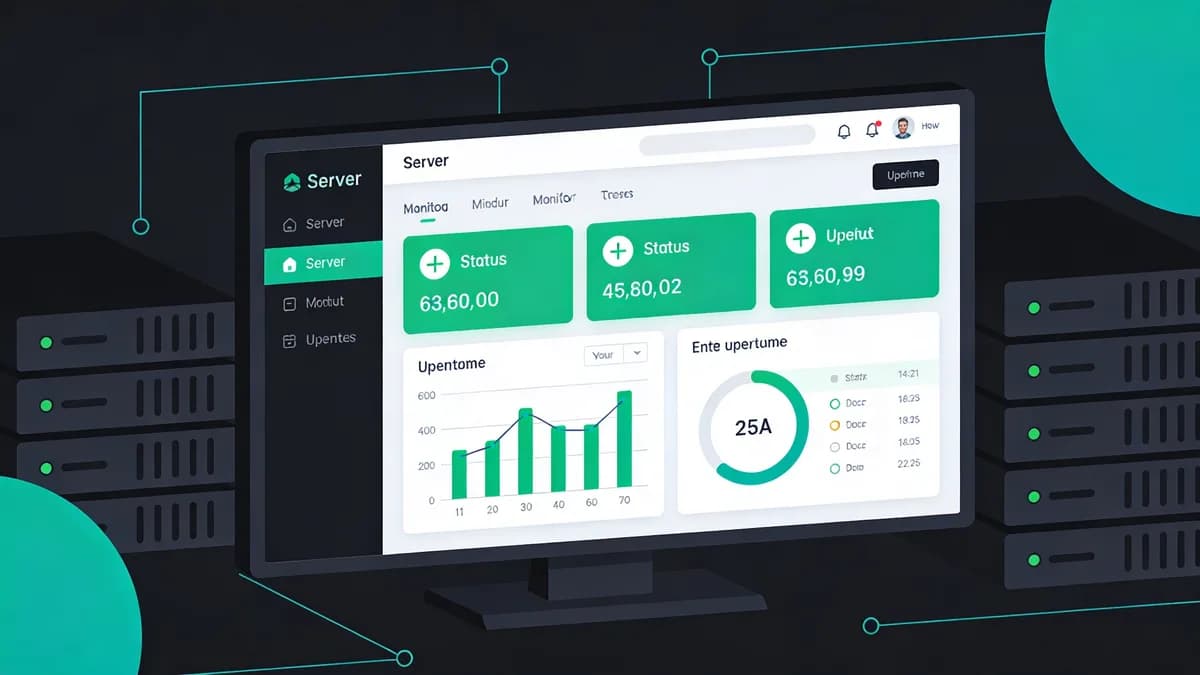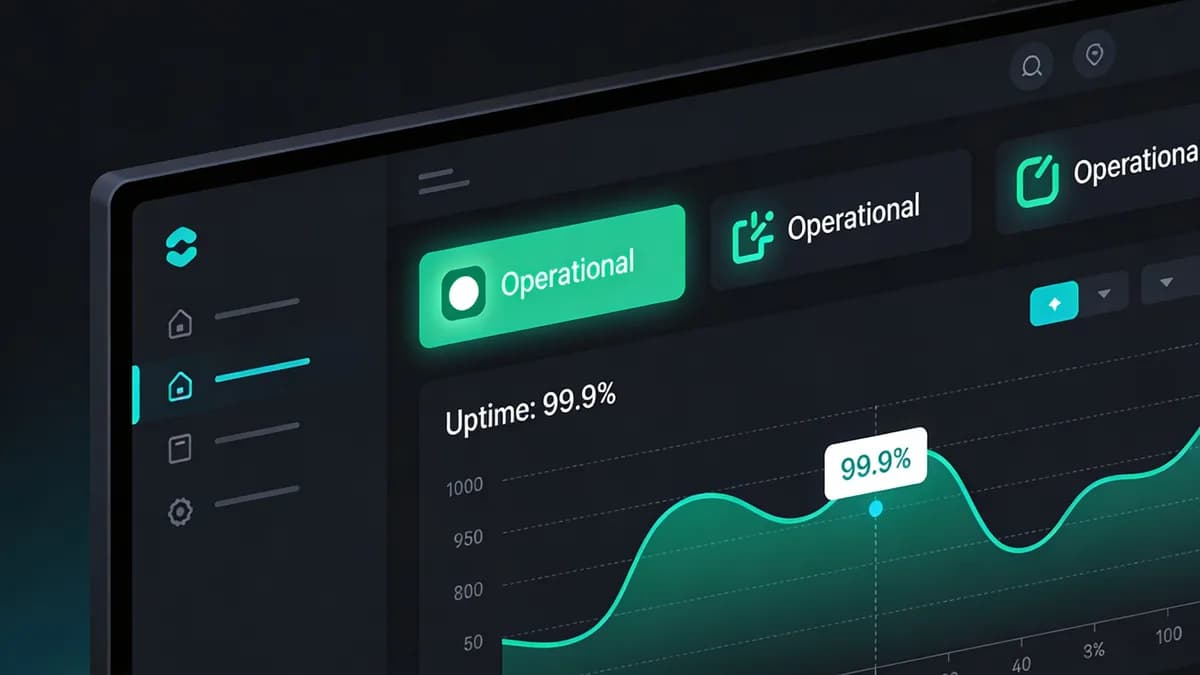
Kubernetes monitoring provides cluster, node, pod and application observations. DevOps teams can use these together to investigate resource saturation and website failures.
What Are the Essential Layers of Kubernetes Monitoring for Website Uptime?
Kubernetes monitoring covers cluster resource allocation, node hardware health, pod and container behavior, and application responses. These observations support investigation of saturation and crashes without guaranteeing uptime. Teams can choose CPU conditions such as 80% and response-time goals such as 200ms according to service requirements.
Cluster-Level Monitoring
Prometheus can use Kubernetes service discovery for relevant targets. Choose resource conditions, such as 90% CPU saturation, and test that the intended metrics are collected.
Grafana visualizes the collected cluster metrics. Configure relevant panels and refresh intervals; dashboard visibility does not itself prevent outages.
Node and Pod Monitoring
The kubelet serves its HTTPS API on port 10250 by default. Lock down anonymous access and the AlwaysAllow authorization mode before you rely on it.
Observe container restarts and configured memory limits. DaemonSets and consistent labels help organize collection and filtering.
Application Uptime Checks
Record HTTP status codes and response times. Uptime Monitoring provides separate endpoint observations without guaranteeing detection of every latency spike.
Use consistent labels to select related entities. Configuration and alert rules require testing.
How Does Prometheus Function as the Metrics Backbone in Kubernetes Monitoring?
Prometheus collects Kubernetes metrics from configured targets and can use the Kubernetes API for discovery. CPU, memory and network metrics support investigation; collection does not itself prevent performance degradation. Configure scrape intervals and transport security for the actual targets.
Prometheus Deployment in Clusters
Deploy Prometheus with storage and discovery appropriate to the cluster. Performance Monitoring provides separate website performance observations.
Plan storage and availability for the workload.
Metrics Collection Protocols
Configure TLS where supported and appropriate for metric endpoints. Scrape behavior and compression depend on configuration. There is no guaranteed bandwidth saving.
Review node, pod and namespace observations relevant to the workload. Metric values need to come from the deployed environment.
Data Retention and Querying
Configure retention and storage for the required history. Use PromQL to query collected metrics and investigate changes.
PromQL supports time-series queries. Thanos can extend the metrics storage architecture; size retention for the actual environment.
Why Use Grafana for Visualizing Kubernetes Performance Metrics?
Grafana visualizes Prometheus metrics in customizable dashboards. Connect the data source and choose relevant views across monitoring layers.
Dashboard Setup with Prometheus
Configure Grafana panels for the relevant Prometheus metrics. Speed Test provides separate website performance observations.
Use dashboard variables to filter namespaces and review actual CPU observations.
Alerting Integration
Configure alert routing and intended PagerDuty or Slack recipients.
Choose conditions such as 80% utilization where appropriate. Group related alerts according to the service.
Multi-Layer Visualization
Review node, pod and application observations alongside response histograms and traffic changes.
Use related observations to investigate bottlenecks.
What Role Does Fluentd Play in Kubernetes Log Aggregation for Uptime?
Fluentd can run as a DaemonSet to collect pod and container logs and forward them to backends such as Loki or Elasticsearch. Configure secure forwarding and review logs alongside website observations.
DaemonSet Deployment
Deploy Fluentd with manifests and appropriate node coverage. Configure the log mounts and resource requirements for the environment.
Configure parsers and buffers for the observed log volume. Test behavior when the backend is unavailable.
Log Forwarding to Backends
Configure forwarding to Loki or Elasticsearch and the required transport security. Review the error records the backend actually stored.
Choose backend retention and verify forwarding behavior. Neither configuration nor collection establishes a guaranteed delivery latency.
Integration with Monitoring Stacks
Use Grafana for relevant log and metric views. Content Monitoring separately checks expected website text.
How Does OpenTelemetry Enable Unified Telemetry in Kubernetes by 2026?
OpenTelemetry supports metrics, logs and traces with available instrumentation for applications. Use the telemetry to follow requests and investigate issues.
Auto-Instrumentation Features
Choose supported instrumentation for the application and deployment.
Configure appropriate exporters and measure instrumentation overhead; it is not necessarily zero.
Cross-Layer Tracing
Use traces to follow requests across services and compare them with deployment events. Telemetry does not block a guaranteed share of outages.
A sampling setting such as 1% is a configuration choice. Include useful attributes and review the resulting trace coverage.
Adoption in DevOps Workflows
Use telemetry in the workflows where it provides useful evidence. Visual Monitoring separately compares website screenshots for visible changes.
Select relevant endpoints for pipeline tests. Coverage depends on the tests actually configured.
What External Uptime Checks Complement Internal Kubernetes Monitoring?
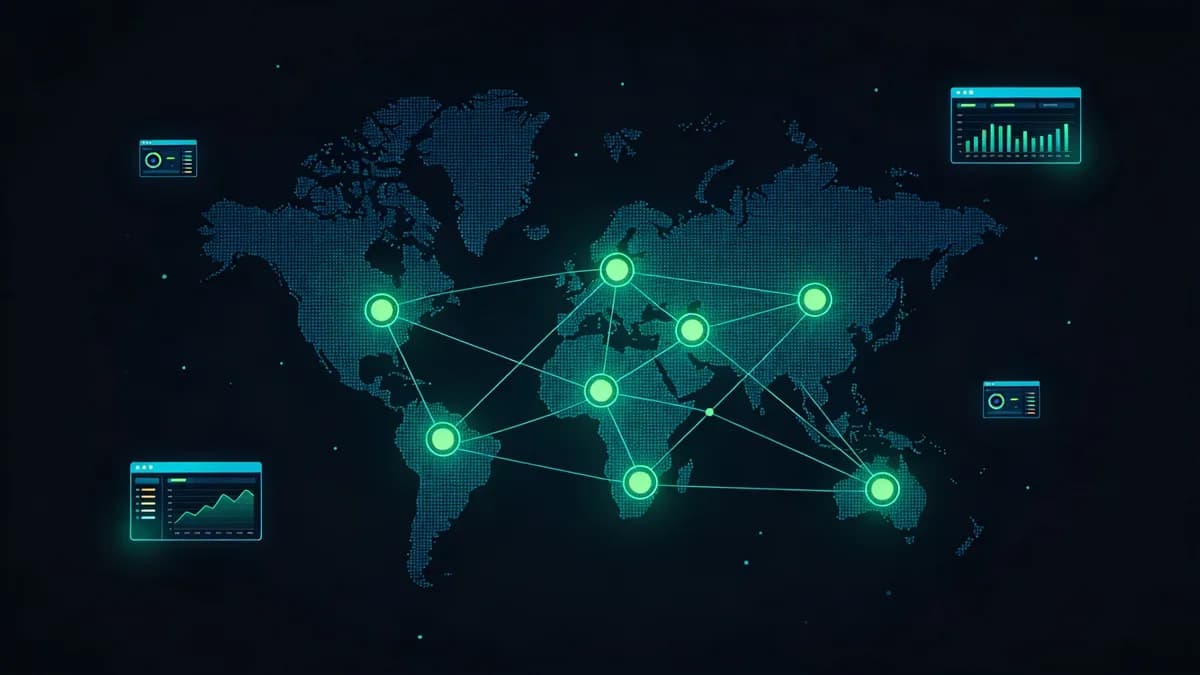
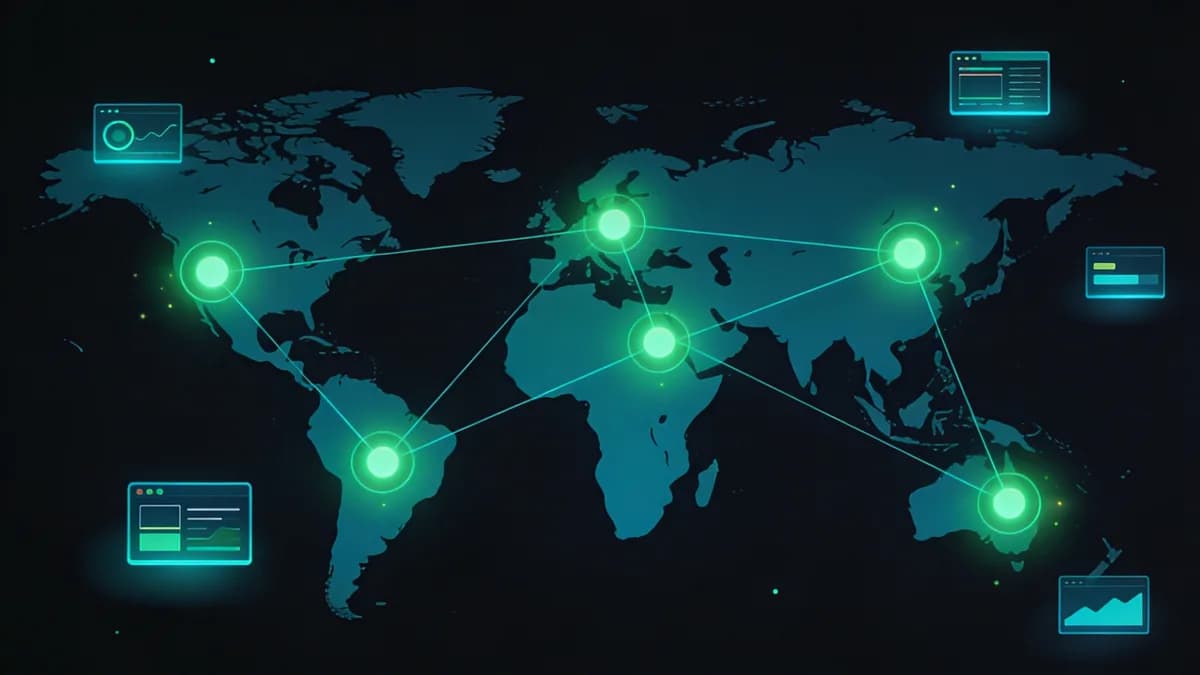
External tools such as Hyperping check user-facing HTTP endpoints beyond cluster internals. Compare external availability and SSL/DNS observations with internal metrics without treating monitoring as a guarantee that an SLO will be met. Hyperping offers status pages and checks from global locations.
Hyperping for Status Pages
Hyperping publishes status information. Check how its checks and status page behave for your setup.
Hyperping offers a free plan with 20 monitors, and its Essentials plan costs $24/month billed yearly for 50 monitors. Pricing describes Visual Sentinel plans separately.
Integration with Internal Metrics
Compare pod metrics with external endpoint observations where supported. DNS Checker and SSL Checker provide separate manual observations without a guaranteed completion time.
Review differences between internal health and external access.
Global Check Locations
Hyperping runs checks from 18 regions.
How to Define SLOs for Kubernetes Website Uptime in 2026?
Choose service objectives for the requests and response times that matter. A target such as 99.9% of HTTP requests completing under 200ms is an example, not an outcome promised by the monitoring stack. Use Prometheus queries, Grafana views and alert routing to observe the selected objective.
SLO Metrics Setup
Track resource signals such as CPU, memory and network use alongside request behavior. Website Checker runs one check of the site. It does not track an SLO over time.
Choose and document the success definition and scope of the objective. Measure actual results against it.
Threshold Configuration
Configure supported PromQL conditions, such as a response-time threshold of 200ms or CPU saturation at 90%. Select failure conditions appropriate to the service.
Configure and test the intended conditions and notification routing.
Error Budget Management
Track the allowable failure budget implied by the chosen objective. Alertmanager routes alerts.
Review budget consumption and incident evidence. Monitoring does not ensure compliance with the objective.
What Tool Comparisons Help Choose Kubernetes Monitoring Solutions?
Prometheus and Grafana provide Kubernetes metrics and visualization, while Hyperping provides external website observations. Site24x7 offers Kubernetes monitoring with AI anomaly detection, and it reports crashing pods.
| Entity | Kubernetes Support | Uptime Monitoring | Pricing/Plans | Feature Limits |
|---|---|---|---|---|
| Prometheus | Native API integration | Internal metrics | Open source, free | No published query cap |
| Grafana | Visualization for clusters | Dashboard views | Open source, free | No published panel cap |
| Pingdom | Website and transaction checks | External checks | $18/month for 10 ($16.50 annual) | Over 100 locations |
| UptimeRobot | External HTTP, ping, port, keyword | External checks | Free for 50 | 5-minute intervals |
| Datadog | Kubernetes monitoring via the Datadog Agent | Synthetic and infrastructure monitoring | Infrastructure Pro $15/host/month billed annually | 1,000+ integrations |
| Better Stack | External uptime checks | Status pages | Free, or Responder $34/month | 10 monitors on Free |
| Site24x7 | Kubernetes monitoring | Website uptime checks | Web Uptime from $10/month | 130+ locations (plan-limited) |
| Hyperping | External checks | Status pages | $24/month (yearly) for 50 | 18 regions |
Prometheus provides open-source metrics collection and Grafana provides dashboards. Visual Sentinel vs Pingdom and Visual Sentinel vs UptimeRobot compare website monitoring features.
Site24x7 offers OpenTelemetry-related observations and Hyperping offers external checks.
How Does Visual Sentinel Integrate with Kubernetes Monitoring Stacks?
Visual Sentinel adds external website checks for uptime, performance, SSL, DNS, screenshots and page text, and can send alerts to the channels a team already uses.
Uptime and Performance Layers
Visual Sentinel checks uptime every 5 minutes on Solo and Starter and as often as every minute on Business and Agency. Its website performance observations are separate from internal Prometheus data.
Use the website observations to investigate issues. Adding monitoring does not itself reduce application latency.
SSL/DNS and Visual Checks
Visual Sentinel checks website certificate validity and expiry with SSL Monitoring, and scheduled records with DNS Monitoring. Screenshot comparisons flag visible differences for review.
These checks provide observations; they do not secure all traffic or prevent certificate failures.
Alerting and Notifications
Visual Sentinel supports 11 paid notification integrations, including Slack. Test the intended recipients. More articles cover monitoring guidance.
Configure supported notifications and verify delivery. Confirm whether your setup has a native Alertmanager integration before you rely on one.
Configure Prometheus, Grafana and the external checks, then add the site to Visual Sentinel. The first check needs no card, and the 7-day trial (card required) keeps the checks running. See pricing.
Check your site while you read
Run a free check for regional reachability, response time, redirect handling, TLS evidence, and DNS resolution. No account is required.
Check a site freeCommon questions
What Are the Essential Layers of Kubernetes Monitoring for Website Uptime?
Kubernetes monitoring covers cluster resource allocation, node hardware health, pod and container behavior, and application responses. These observations support investigation of saturation and crashes without guaranteeing uptime.
How Does Prometheus Function as the Metrics Backbone in Kubernetes Monitoring?
Prometheus collects Kubernetes metrics from configured targets and can use the Kubernetes API for discovery. CPU, memory and network metrics support investigation; collection does not itself prevent performance degradation.
Why Use Grafana for Visualizing Kubernetes Performance Metrics?
Grafana visualizes Prometheus metrics in customizable dashboards.
What Role Does Fluentd Play in Kubernetes Log Aggregation for Uptime?
Fluentd can run as a DaemonSet to collect pod and container logs and forward them to backends such as Loki or Elasticsearch. Configure secure forwarding and review logs alongside website observations.
How Does OpenTelemetry Enable Unified Telemetry in Kubernetes by 2026?
OpenTelemetry supports metrics, logs and traces with available instrumentation for applications. Use the telemetry to follow requests and investigate issues.
What External Uptime Checks Complement Internal Kubernetes Monitoring?
External tools such as Hyperping check user-facing HTTP endpoints beyond cluster internals. Compare external availability and SSL/DNS observations with internal metrics without treating monitoring as a guarantee that an SLO will be met.