What Are CDN Blocks and How Do They Impact Website Uptime?
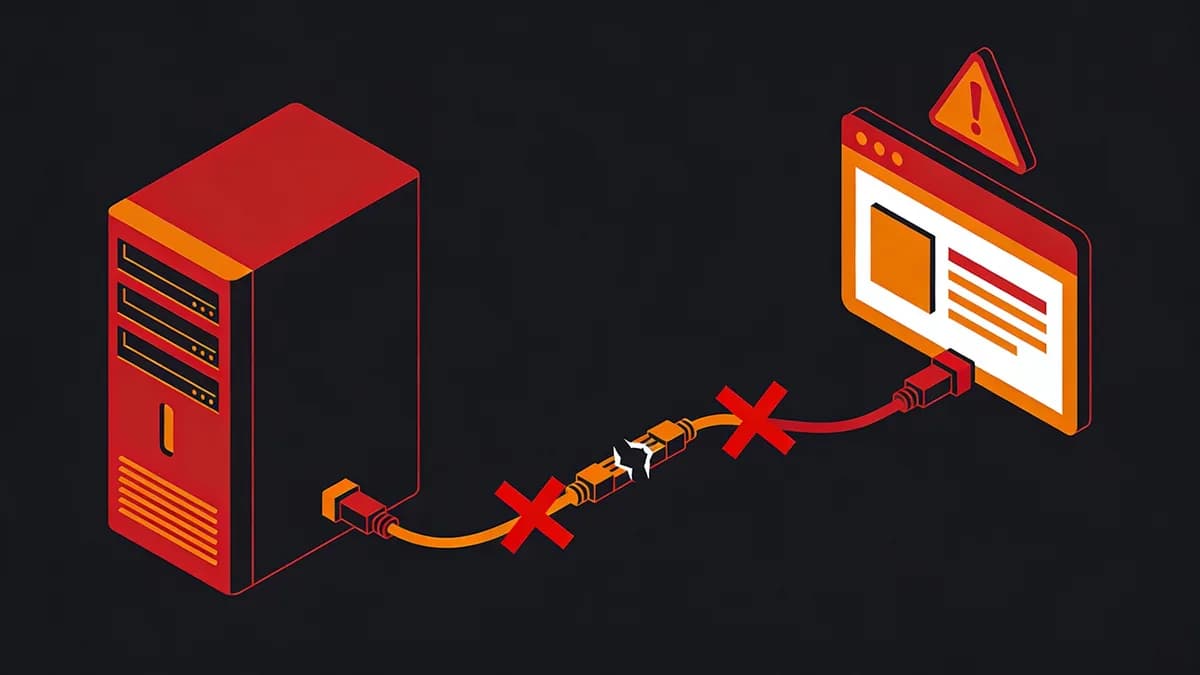
CDN blocks occur when providers like Cloudflare or Akamai denylist IPs or ASNs, which can block legitimate traffic. Misconfigured rules can disrupt website access.
CDN blocks target suspicious traffic via WAF rules. Review rules that may also affect legitimate visitors.
DevOps teams integrate Uptime Monitoring to track these impacts. Visual Sentinel checks run from Europe and the US. Failed HTTP checks alert teams for investigation.
Teams use Website Checker for an on-demand availability check. Compare the response with CDN logs to investigate a possible block.
Why Does Multi-Layer Monitoring Detect CDN Blocks Earlier Than Single Checks?
Multi-layer monitoring combines uptime, performance, and content checks to help investigate CDN blocks. Compare failed checks and unexpected responses alongside CDN logs.
Layers include HTTP probes for status codes. Visual regression detects UI changes from blocks. Performance metrics can reveal latency changes.
A single check can miss regional variations. Compare results from the locations available in your monitoring tool.
Visual Sentinel checks as often as every minute on Business ($80/month, 60 monitors) and Agency ($300/month, 300 monitors). Keyword rules (must contain or must not contain) start on Starter. Teams link to Performance Monitoring for website performance results.
How Do 403 and 429 Status Codes Signal CDN Block Incidents?
403 Forbidden and 429 Too Many Requests codes from CDNs like Cloudflare can indicate access restrictions or rate limiting. Review the response and CDN logs to identify which rule was applied.
Probes from different locations can help compare responses. For example, teams can choose a threshold of 5 consecutive 403 responses where the tool supports it.
Review HTTP errors alongside website performance using tools like Speed Test.
Inspect the HTTP response and CDN logs when investigating rate limits.
What Response Body Keywords Identify CDN Blocks in Monitoring Logs?
Keywords like 'blocked' or 'access denied' in HTTP responses can signal blocks. Review the full response and CDN logs before identifying the cause.
Content change detection can check expected response text. A 'ray ID' helps correlate a Cloudflare request with its logs; its presence alone does not prove a block.
Keyword rules (must contain or must not contain) start on Starter ($30/month, 15 monitors). A single expected-text setting is available on every plan. Teams combine this with Content Monitoring for automated keyword alerts.
Configure expected text and review alerts when the response no longer matches it.
How Can Multi-Location Probes Prevent CDN Block False Negatives?
Multi-location HTTP probes help reveal regional differences in responses. Review 403/429 codes and response text alongside CDN logs.
Probes from different locations can reveal geo-specific blocks. Visual Sentinel checks run from Europe and the US.
DevOps whitelist the probe IPs published on Visual Sentinel's bot page at CDN edges. Teams use DNS Checker to review DNS records when investigating access issues.
Review DNS answers alongside failed HTTP checks to distinguish resolution errors from access restrictions.
What Check Intervals Optimize CDN Blocks Monitoring for SREs?
The fastest Visual Sentinel check is every minute, on Business ($80/month, 60 monitors) and Agency ($300/month, 300 monitors). Checks are not faster than once a minute.
Solo is $15/month for 10 monitors, with uptime checks every 5 minutes and 1 visual site. Agency is $300/month for 300 monitors, with uptime checks every minute.
Solo and Starter uptime checks run every 5 minutes. Teams link to Visual Monitoring for screenshot comparisons.
Visual checks run every 30 minutes on Solo and every 15 minutes on Starter and higher. Solo includes 1 visual site; Starter includes 5 pages, Business 60 and Agency 300.
How Does Origin Shielding Prevent CDN Blocks in Production?
Origin shielding adds a caching layer between a CDN edge and the origin. Check the shielding and access rules; shielding does not make a blocked client request succeed.
Teams configure shielding in CDN dashboards and review how requests reach the origin.
Use SSL Monitoring to check certificate validity and expiry on a schedule. Check certificate errors apart from WAF blocks.
Review IP-based access rules and allow legitimate monitoring probes where appropriate.
What Role Do CDN Analytics APIs Play in Block Prevention?
CDN analytics APIs can provide request and security event data for use alongside monitoring tools. Review the API permissions, request limits and available fields before integrating.
Teams can configure alerts using the event integrations their CDN supports. Test that the intended events reach the response team.
Visual Sentinel checks configured website responses on a schedule. Review its results alongside separate CDN logs. Teams explore more in More articles.
Review the integration documentation for the CDN you use.
How Do Monitoring Tools Compare for CDN Blocks Detection?
Visual Sentinel offers uptime checks as often as every minute on Business and Agency, with keyword rules on Starter and higher. Pingdom and Datadog provide anomaly detection but lack native visual ties, with Site24x7 offering multi-location status from $9/month on annual billing ($10 monthly) for its Web Uptime plan (pricing).
| Entity | Check Interval | Alert Types | Pricing (Starter) | CDN Block Detection Method |
|---|---|---|---|---|
| Visual Sentinel | 1 minute on Business and Agency | HTTP, visual, keyword | from $15/month | Status + body keywords |
| Pingdom (SolarWinds) | 1 minute | HTTP, ping, port | $16.50/month annual ($18 monthly) | Status code + keyword |
| UptimeRobot | 5 minutes (Free) | HTTP, ping, port | Free (50 monitors) | Status code only |
| Datadog | 15 seconds | Synthetic, real-user | $15/host/month | Anomaly + logs |
| Better Stack | 30 seconds | HTTP, SSL | $34/month ($29 annual) | Status + body |
| Grafana Cloud | 10 seconds | Synthetic | Free (10k series) | Alerts on thresholds |
| Site24x7 | 1 minute | HTTP, DNS, SSL | $9/month annual ($10 monthly) | Multi-location status |
Visual Sentinel vs Pingdom details over 100 locations for Pingdom at $16.50/month on annual billing ($18 monthly) for 10 monitors. Visual Sentinel vs UptimeRobot highlights UptimeRobot's free tier limits at 50 monitors with 5-minute intervals.
Tools focus on HTTP/2 support for TLS 1.3 checks. Datadog integrates logs from 100 sources. Site24x7 probes from 130+ locations (8 or 16 included on most website plans) for status consistency.
Choose monitoring capabilities that match the site. Configure expected-text rules for the responses you need to check.
SREs implement CDN blocks monitoring with these tools. Compare scheduled check results with CDN events during investigation.
Allow legitimate monitoring probe IPs where appropriate. Review origin and CDN rules after configuration changes.
Check your site while you read
Run a free check for regional reachability, response time, redirect handling, TLS evidence, and DNS resolution. No account is required.
Check a site freeCommon questions
What is the average downtime from CDN blocks in 2024?
CDN blocks can interrupt legitimate requests. The impact depends on the affected traffic and how long the rule remains in place. Use check results alongside CDN logs to investigate.
How does Visual Sentinel monitor CDN blocks?
Visual Sentinel checks status codes and response keywords like 'ray ID' on a schedule, as often as every minute on Business and Agency. Business is $80/month for 60 monitors. Keyword rules start on Starter.
What prevention steps reduce CDN block risks?
Review WAF rules and allow monitoring probes where appropriate. Use tools like SSL Checker alongside CDN logs to distinguish certificate errors from blocked requests.