What Causes SSL Certificate Errors in Modern Websites?
SSL certificate errors can stem from expired certificates, incompatible protocol settings and untrusted certificate authorities. These errors trigger browser warnings that can keep users from reaching a site.
Expired certificates block secure connections. Browsers display "Your connection is not private" messages. Users may abandon sites after seeing warnings.
TLS 1.3 mismatches occur during QUIC adoption. QUIC requires specific protocol support. Legacy servers can fail handshakes.
Untrusted CAs fail root validation. Browsers reject certificates from non-approved authorities.
SSL Monitoring checks certificate validity and expiry on a schedule. Alerts use the configured channels. Visual Sentinel plans start at $15/month (Solo, 10 monitors). Business is $80/month for 60 monitors.
Use SSL Checker to review certificate validity and expiry.
How Do Expired SSL Certificates Trigger Website Downtime?
Expired SSL certificates can block HTTPS access and trigger browser warnings. Renew and install a valid certificate to restore secure access.
Browsers enforce strict validation. Expired certs trigger ERR_CERT_DATE_INVALID errors.
Renew certificates before expiry. Delays can compound issues across subdomains.
Uptime Monitoring notifies teams by email, Slack, push, and other paid-plan channels after a failed check. Checks run from Europe and the US. Pricing starts at $15/month for 10 monitors.
Recovery may involve manually uploading a renewed certificate.
What Role Do Certificate Chain Issues Play in SSL Errors?
Incomplete certificate chains can prevent validation from root to end-entity certificates. Missing intermediate certificates can lead to NET::ERR_CERT_AUTHORITY_INVALID in Chrome and block access.
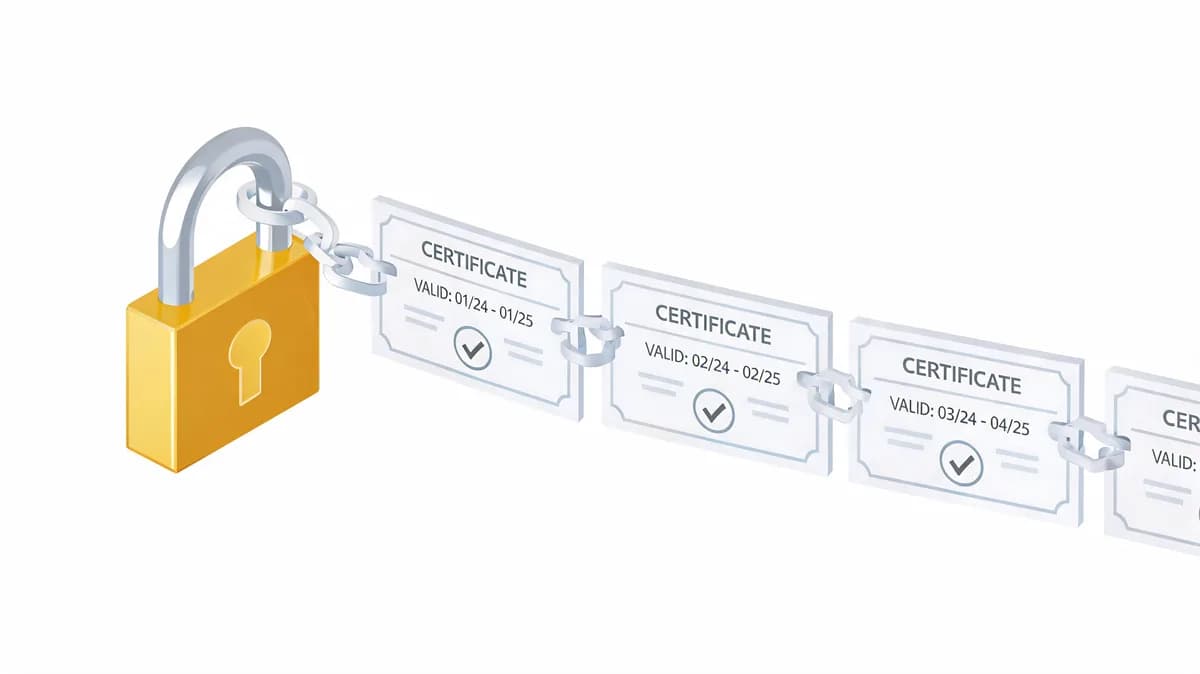
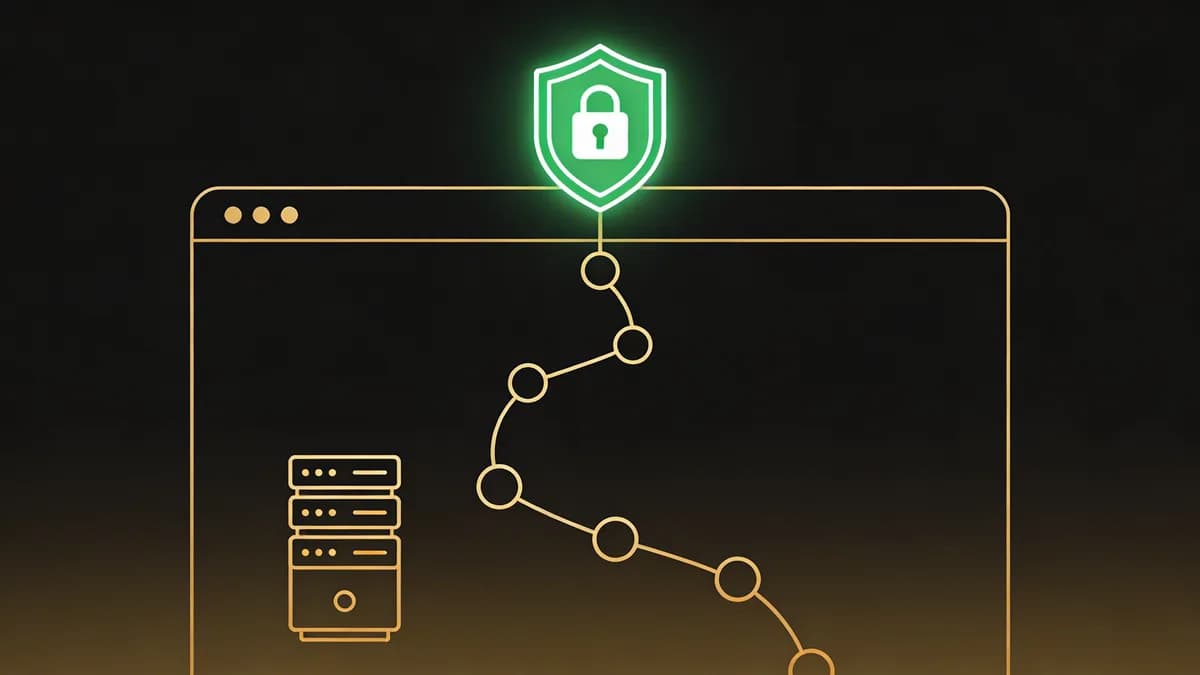
Chains consist of root, intermediate, and end-entity certs. Browsers verify each link sequentially. Breaks can halt validation.
Chrome can retrieve a missing intermediate through the certificate's AIA URL, but an incomplete chain can still fail validation. Firefox shows SEC_ERROR_UNKNOWN_ISSUER. Edge displays similar warnings.
Install full chains using the certificate authority's instructions. Use Website Checker to review website availability after installation.
Check the certificate chain after configuration changes. Investigate validation errors before relying on the new setup.
How Can DNS Propagation Affect SSL Certificate Validation?
Cached DNS records can send visitors to an old server with a mismatched certificate during updates. Intermittent errors can persist until cached records expire.
Propagation varies by provider and the TTL of cached records.
Mismatches trigger ERR_CERT_COMMON_NAME_INVALID. Browsers can block requests while the mismatch remains.
Monitor DNS changes with DNS Monitoring. Records are checked on a schedule. Solo pricing at $15/month covers 10 monitors.
Use DNS Checker to review the DNS records being served.
Set low TTLs to 300 seconds pre-update where appropriate. Review cached records and certificate configuration during migration.
What Are the Impacts of Incorrect Cipher Suites on SSL Security?
Outdated cipher suites like RC4 can cause SSL errors in modern browsers. Handshake failures deny access. Weak ciphers also create security risks.
Modern browsers disable RC4. Review supported TLS versions and cipher suites on the server.
Handshake failures show ERR_SSL_VERSION_OR_CIPHER_MISMATCH. Update weak or incompatible cipher configurations.
Update to modern supported ciphers. Test website performance with Speed Test.
Review TLS configuration alongside certificate validity. Investigate weak ciphers with an appropriate TLS configuration tool.
How Does Proactive SSL Monitoring Detect Errors Before Downtime?
Proactive SSL monitoring checks certificates on a schedule. Visual Sentinel reminds you 13, 3, and 1 days before expiry by default (optional reminders at 20 and 6). Performance Monitoring is a separate layer.
Alerts integrate with Slack and email. Teams review the certificate and renew it when needed.
Review chain and protocol compatibility after server changes.
Automated alerts can reduce repeated manual reviews. Teams still need to investigate and fix reported issues.
Visual Monitoring complements SSL checks with screenshot comparisons. Solo costs $15/month for 10 monitors and includes 1 visual site checked every 30 minutes.
Multi-layer checks provide website availability, certificate and DNS results for investigation.
What Steps Fix Common SSL Certificate Errors Quickly?
Fix SSL errors by updating system date/time, clearing browser cache and SSL state, then installing missing chain certificates via server config. Verify the result with online tools and another browser.
Resolve certificate warnings so users can connect securely.
Step 1: Check Expiration Date
Access certificate details via browser developer tools. Expiry dates appear in the security tab. Renew if less than 30 days remain.
Use SSL Checker to review the certificate details.
Upload new certs to servers like Apache via mod_ssl. Restart services as required. Test endpoints after the change.
Step 2: Validate Certificate Chain
Download the full chain from the certificate authority. In nginx, set ssl_certificate to a PEM file containing the server certificate followed by its intermediate certificates. Verify the chain with openssl verify.
Validate the chain after installation and recheck any remaining browser errors.
For Cloudflare users, switch to Full Strict mode after fixes. This enforces end-to-end encryption.
Step 3: Test in Multiple Browsers
Test in Chrome, Firefox, and Safari simultaneously. Errors vary by engine. Clear caches between tests.
Use 5 browser versions for coverage. Incognito mode isolates states. Confirm the result across platforms.
Content Monitoring verifies expected text after a fix. A single expected-text setting is available on every plan; must contain and must not contain rules are available on Starter and higher.
How Does Visual Sentinel Compare to Other Tools for SSL Error Detection?
Visual Sentinel checks uptime, page speed, SSL, DNS, and screenshots, plus content from Starter. Uptime checks can run every 1 minute on Business and Agency. SSL certificates are checked on a schedule. Plans are Solo, Starter, Business, and Agency at $15, $30, $80, and $300 a month.
Pingdom (SolarWinds) checks uptime from over 100 locations at $16.50/month on annual billing ($18 monthly) for 10 uptime checks. UptimeRobot offers a free tier for 50 monitors with 5-minute checks, with email, mobile push and five integrations (Google Chat, Discord, Pushover, Pushbullet, Splunk) for alerts.
| Entity | Check Interval | Pricing for Basic Plan (per month) |
|---|---|---|
| Visual Sentinel | 1 minute uptime (Business, Agency); SSL on a schedule | $15 for 10 monitors (Solo) |
| Pingdom (SolarWinds) | 1 minute | $16.50 annual / $18 monthly for 10 monitors |
| UptimeRobot | 5 minutes | Free for 50 monitors |
Visual Sentinel checks certificate validity and expiry on a schedule.
See comparisons in Visual Sentinel vs Pingdom and Visual Sentinel vs UptimeRobot.
Performance Monitoring provides a separate view of website performance.
Practitioners select Visual Sentinel for the layers it covers.
Proactive monitoring integrates SSL with DNS and uptime layers. Review the results together when investigating related errors.
Expired certificates and chain issues can cause SSL certificate errors. Practitioners check validity and configuration during investigation.
Implement SSL Monitoring for expiration reminders, which default to 13, 3 and 1 days before expiry (optional 20 and 6). Schedule weekly chain validations. Test ciphers quarterly for compatibility.
Check your SSL certificate now
Verify the certificate, expiry date, issuer, and hostname coverage. No account is required.
Check SSL freeCommon questions
Can Visual Sentinel prevent all SSL certificate errors?
Visual Sentinel checks certificate validity and expiry on a schedule. Alerts help teams investigate and renew certificates. Correct domain and server configuration still requires review.
What is the cost of SSL downtime in 2026?
SSL-related downtime costs depend on lost revenue and recovery work. Estimate the impact using your own traffic, sales and incident duration.