How to Fix DNS Server Not Responding
Diagnose resolver, network, and authoritative DNS failures with a bounded troubleshooting sequence.
Field notes
Learn how to monitor servers, check website speed, and test APIs. Read practical guides to finding performance problems and investigating slow pages.
Showing 16 articles. Page 1 of 2.
Diagnose resolver, network, and authoritative DNS failures with a bounded troubleshooting sequence.
Understand how DNS resolution fails, what common response states mean, and which layer to inspect next.
Trace proxy and upstream failures using logs, health checks, and direct origin evidence.
Distinguish gateway timeouts from application errors and isolate the slow or unreachable upstream.

Which web-layer signals can point to a ransomware compromise (injected links, redirects, ransom wording, changed screenshots), what to do when you see them, and which server-side tools cover the rest.
Understand what different change checks observe before selecting a method. Text changes, screenshot differences and file-integrity observations provide different evidence.
Build a repeatable defacement monitoring workflow across client websites, with approved baselines, useful alerts and an owner for every investigation.
Tying checks into website monitoring lets teams hear about anomalies on the next check, not on a promised clock. Visual Sentinel adds uptime and page-change checks (content monitoring from Starter) for earlier warning.
Kubernetes gateways route incoming traffic to services. Review request rates, latency, errors and resource observations alongside external website checks, and test capacity and scaling conditions for the actual workload.
Database migrations can affect application compatibility, locks and replication. Test the migration and recovery procedure, and compare Visual Sentinel website observations with separate application and database evidence.
Choose a text region, confirm what the checker extracts and test a controlled change before relying on content alerts for a live website.
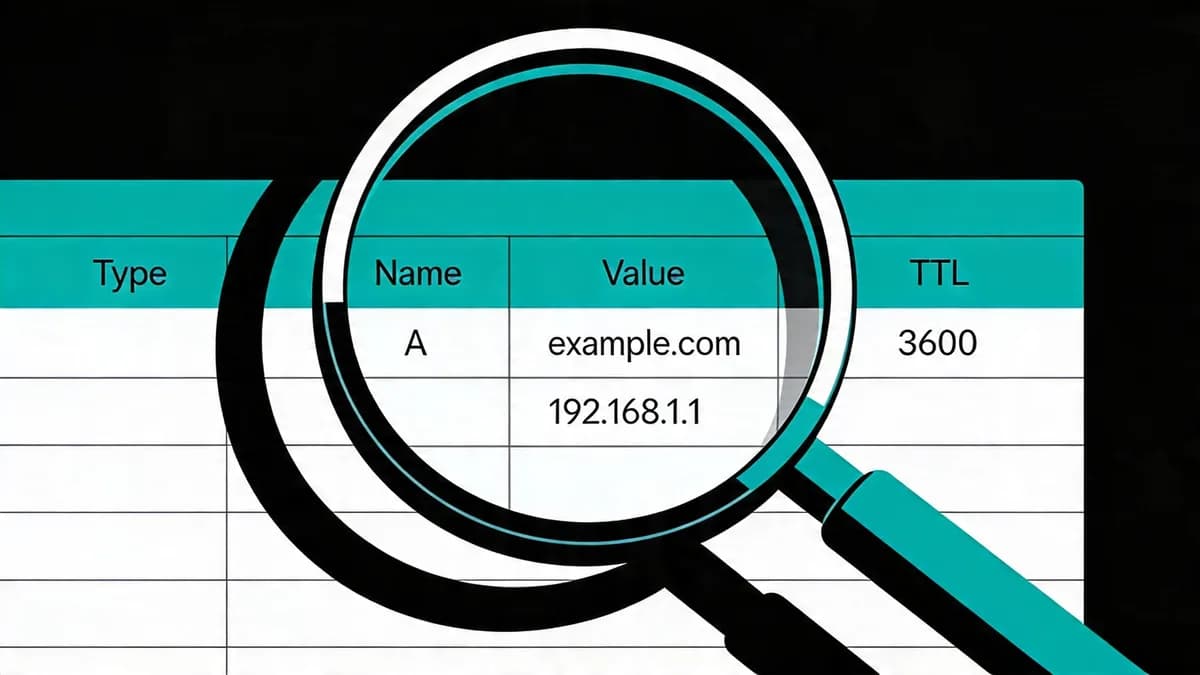
Investigate DNS propagation delays in multi-cloud setups with TTL checks, resolver comparisons and scheduled monitoring.
Monitor CPU, load, memory, disk and pending security updates on Linux servers, set up a Prometheus load alert, and watch your website around patch restarts.
API performance monitoring observes endpoint response time, errors and request volume. Compare those observations with website checks to investigate availability and performance problems.
An unexpected page change needs a clear investigation. Learn what to verify, what evidence to preserve and how to distinguish a detection alert from a confirmed incident.

Set up scheduled DNS record checks and compare authoritative and resolver responses to investigate propagation issues.
Your first check is free when you add your site. Then try a paid plan for 7 days (card required) or subscribe, from $15 USD a month.
Start 7-day trial